


A privacy audit does not need to be a long or overwhelming project. In just 30 focused minutes, you can close obvious security gaps, clean up old account access, and make your digital life much safer. The goal is simple: focus on high-impact settings that offer the biggest privacy reward in minimal time.
Set a timer, open your browser or password manager, and tackle your highest-value accounts first—starting with email, banking, mobile service, shopping, social media, and cloud storage.
Start With Your Main Email Account
Your primary inbox is the central hub of your entire digital identity. Reset links, purchase confirmations, and sensitive messages all flow through it. Protecting this inbox secures everything else tied to it.
- Strengthen your password: Use a long, unique password—ideally at least 16 random characters created and stored in a password manager. Avoid common phrases or reused passwords.
- Enable multi-factor authentication: Turn on two-factor authentication (2FA) using an authenticator app or a passkey for maximum protection.
- Audit recovery options: Remove outdated recovery phone numbers or email addresses, and verify that active recovery methods are fully secured.
- Review active sessions: Inspect recent sign-in activity and log out of any unfamiliar or legacy devices.
Check Passwords and Passkeys
Reusing passwords across multiple platforms is one of the quickest ways for a single exposed credential to affect other services.
- Audit high-value accounts: Focus first on primary email, financial portals, and key social channels.
- Adopt modern passkeys: Where supported, transition to passkeys. They let you sign in using biometric features like fingerprint or face recognition, offering seamless access while defending against deceptive login pages.
- Keep backup access: Ensure you have reliable secondary recovery options configured before replacing existing master passwords.
Review Financial and Mobile Accounts
Proactive monitoring on financial and carrier accounts gives you immediate visibility into any unauthorized changes.
- Activate instant alerts: Turn on notifications for card purchases, transfers, and new payees to spot activity immediately.
- Verify contact records: Confirm your mailing address, phone number, and authorized users are current.
- Secure your mobile carrier: Contact your provider to add an account PIN or port-out lock to protect your mobile number from unauthorized transfers.
Trim App Permissions and Old Connections
Many mobile apps collect more background data than necessary for their core features.
- Review smartphone privileges: Limit access to sensitive features like location, camera, microphone, and contacts. Set location tracking to "while using the app" whenever possible.
- Clean up third-party integrations: Visit your account settings in email and social platforms to revoke permissions for abandoned quizzes, games, or legacy tools you no longer use.
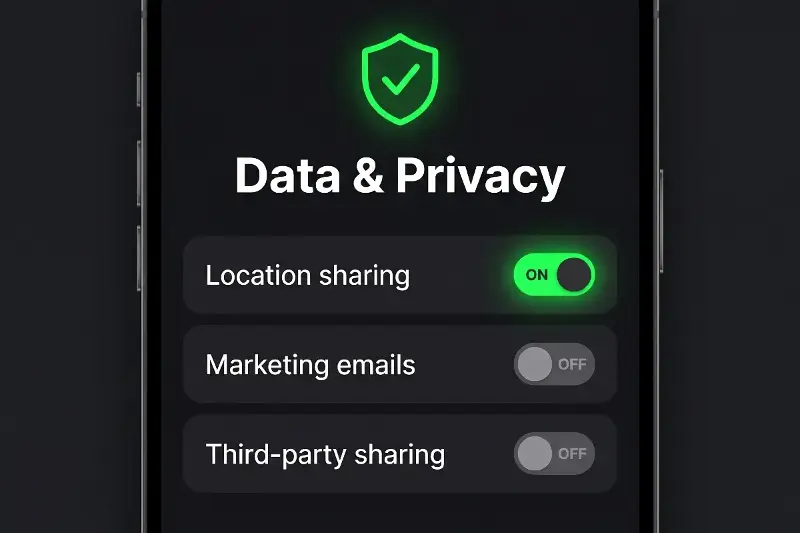
Tighten Social and Shopping Settings
Regularly updating privacy controls keeps your personal details visible only to those you trust.
- Refine audience settings: Ensure your social profiles, friend lists, contact info, and birth dates are visible only to trusted connections.
- Protect identity details: Avoid sharing public details that could answer security recovery questions, such as childhood pets or hometowns.
- Clear saved payment methods: Remove saved credit cards from online stores you visit infrequently, and turn on instant order notifications.
Finish With Devices and Backups
Wrap up your quick session by reviewing active hardware and backing up important files.
- Remove obsolete devices: De-authorize old phones, tablet models, or shared computers from your cloud accounts.
- Enable auto-updates: Keep operating systems updated automatically to ensure you always have the latest safety patches.
- Maintain dual backups: Safeguard personal photos and documents by pairing cloud storage with a secondary copy on an encrypted external drive.
Taking these proactive steps creates lasting peace of mind. Repeating this simple 30-minute checkup every few months keeps your digital presence clean, streamlined, and completely under your control.