



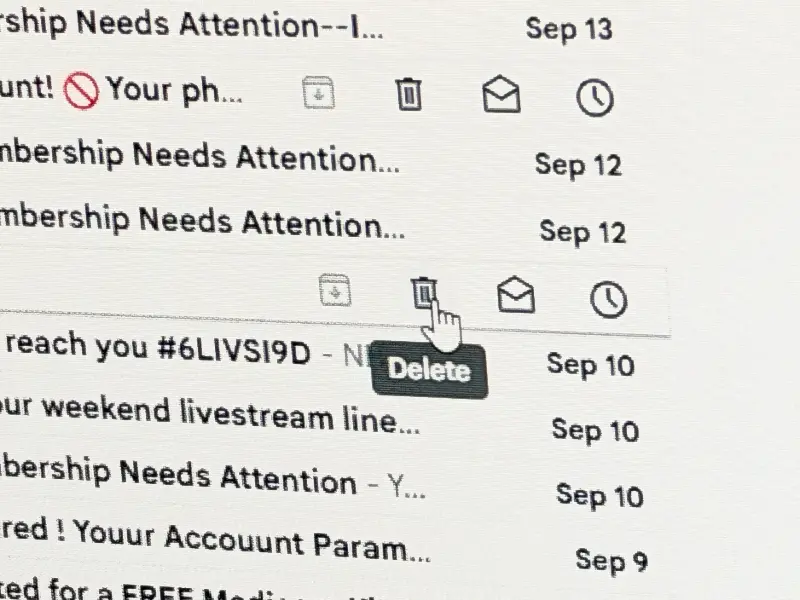
This week a reader writes, “I have an annoying issue with my MacBook Pro. I recently installed MacOS 27 but the problem has existed for years. When I highlight an email and hit delete or use the trash can symbol nothing happens. I have to (leave) then go back to my inbox to make the email disappear. In addition, if I select an email to read, there will be a long delay before it loads (as much as 30 to 40 seconds). Once I can get the email to load then everything works fine after that. If I use my iPad to read the exact same email it always loads instantly. My browser is Safari on both. What is causing these anomalies?”
This reader is using AOL mail and checking it through the Safari browser.
I’d ordinarily start by suggesting using the latest version of the operating system (which they are), and making sure the browser was updated.
Since the problem happened before the OS upgrade, you can assume the problem is not the operating system. Since the issue does not happen on the iPad, you can eliminate slow internet and slow response on the AOL end.
To me, this leaves the browser as the likely culprit.
My advice the reader is to try using Firefox or Chrome and see if the behavior changes.
Learning to troubleshoot a problem like this is all about eliminating possible causes.
Updating the operating system, checking the email on a different device and making sure the internet is operating properly are all things to check.
Once you’ve changed as many of the variables as you can, you can start drilling down to find the source.
I heard back from the reader this morning that they’d be trying another browser, so I don’t have a definitive answer that we’ve solved their problem. But the lesson today is one we’ve covered before – figure out the things that could possibly cause the problem and start eliminating them one by one until you find the solution.